
 Worker
Know who's qualified and who's free.
Worker keeps your team's job titles, skills, certifications and time off in one place, so the office knows who can do the job before anyone gets booked. Techs keep their own profile up to date from their phone.
- CTSAVIXAValid to Dec 2027
- Dante Level 2AudinateDoesn't expire
- Aerial lift operatorCompany card36 days left
To Marcus Bell and the org admins
Aerial lift operator expires soon
Renew it before it runs out, then add the new card to your profile.
The team, kept up to date by the team
-
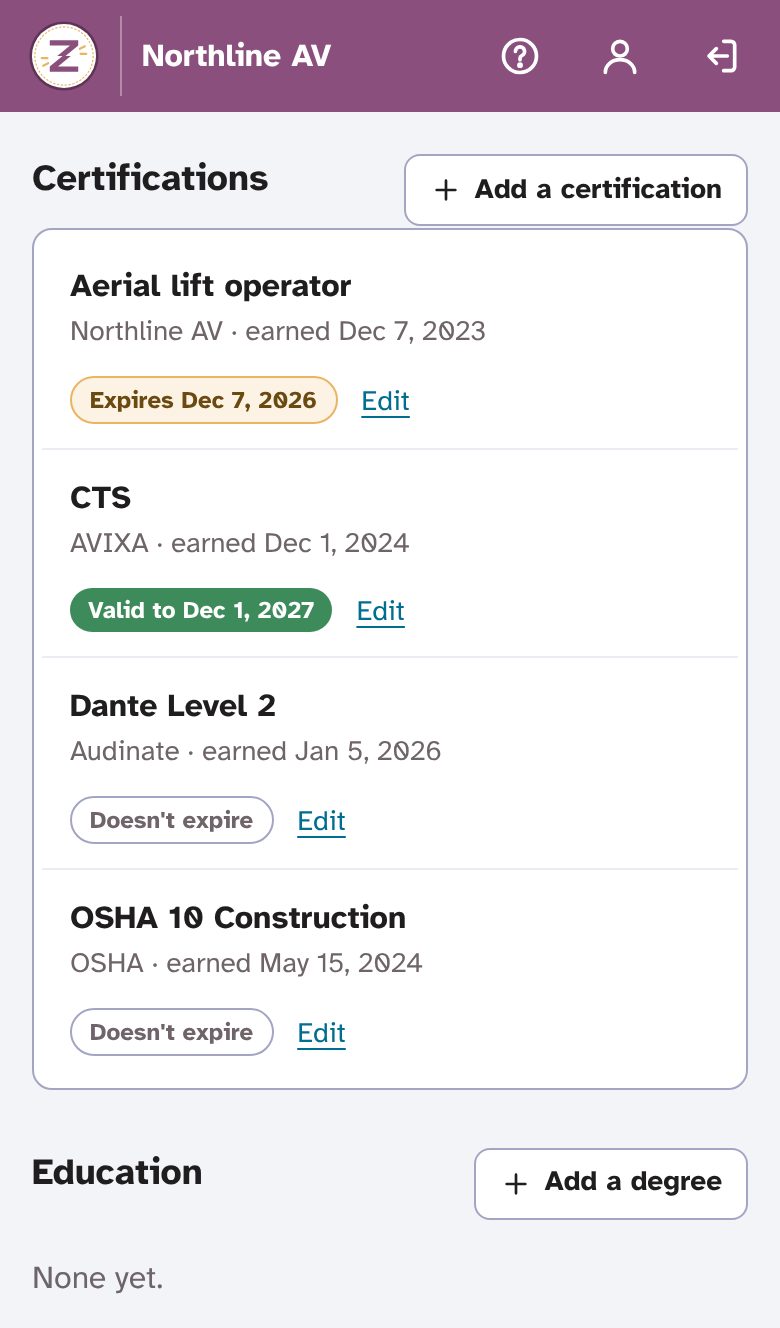
Add your certifications
Each person adds their certifications and degrees from their phone, with a photo or PDF of the card if they like. Expiry dates show at a glance, and reminders go out 60 and 7 days before.
-
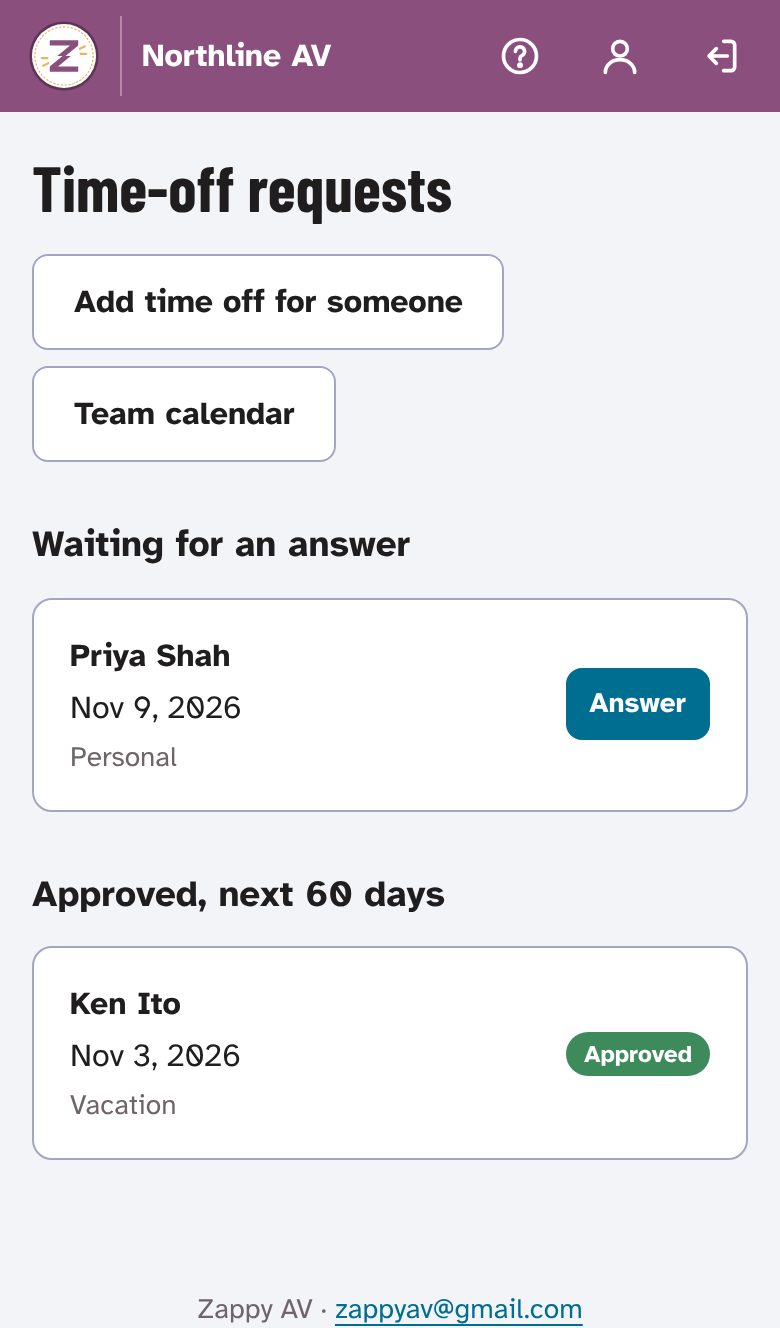
Ask for time off
Techs ask for vacation, personal or holiday time on their phone, with no reason required. The admins who approve time off answer with a tap, and the team calendar updates for everyone.
-
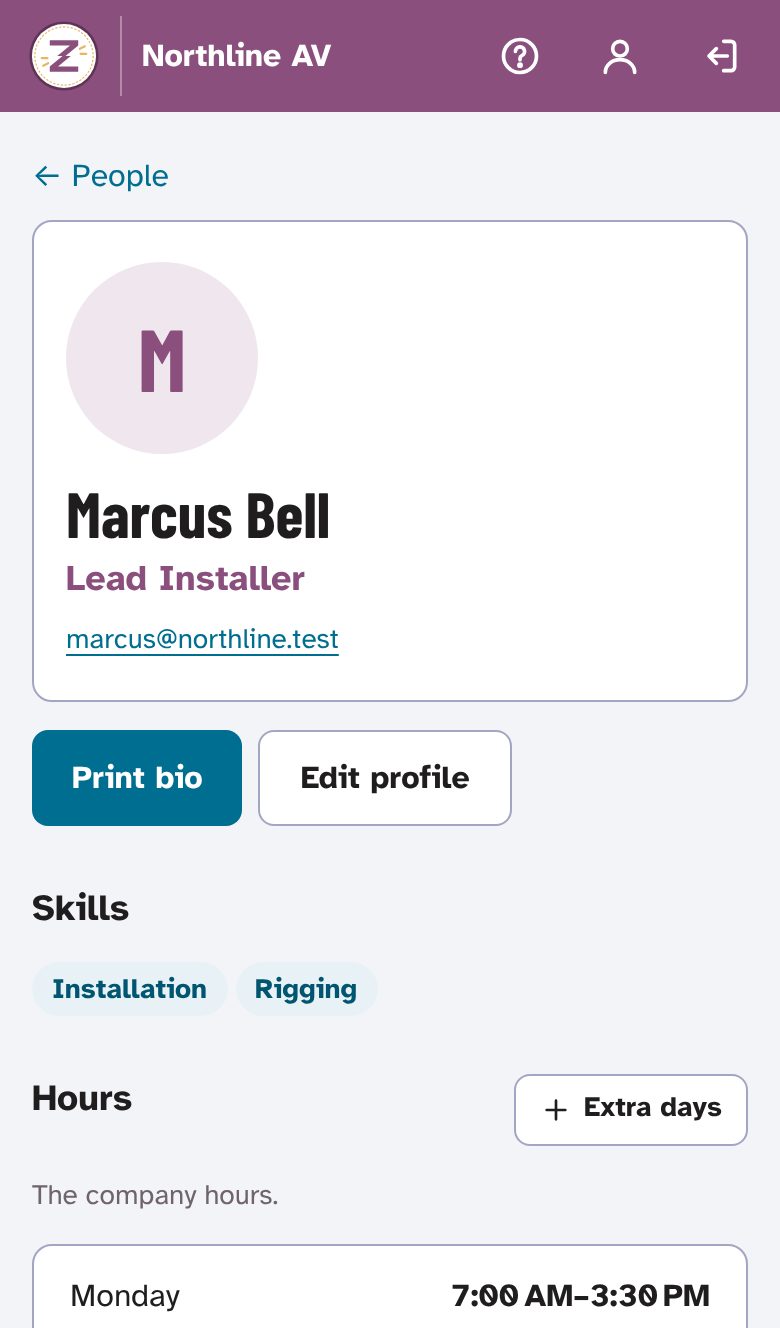
Print a bio when a bid needs one
Every profile prints as a one-page bio with your company's logo, the person's photo, title, years in the industry, skills, certifications and degrees, ready for a proposal or a site's badge request.
Made for how AV crews actually work
- Titles and skills
- Your company's own list of job titles and skills, from Installation and Rigging to DSP tuning and Programming. Every Zappy AV app reads the same list.
- Certification reminders
- Each person and their org admins get an email 60 and 7 days before something expires, and one page shows everything expiring soon.
- Time off, kept private
- Vacation, personal, holiday or other. Teammates see that someone is out; only that person and the approvers see the kind and any note.
- Working hours
- Set the company's regular hours once, then exceptions for anyone who works different ones, plus extra days someone is open for work.
- Temps and subcontractors
- Give them guest access that ends on a date you pick, or just add them to a job's crew by name with no account. One login can also be on several companies' teams, each with its own role.
- Roles that fit AV
- Org admin, sales, designer, member/tech and guest, plus extra apps switched on for people who wear more than one hat.
Built for the office, too
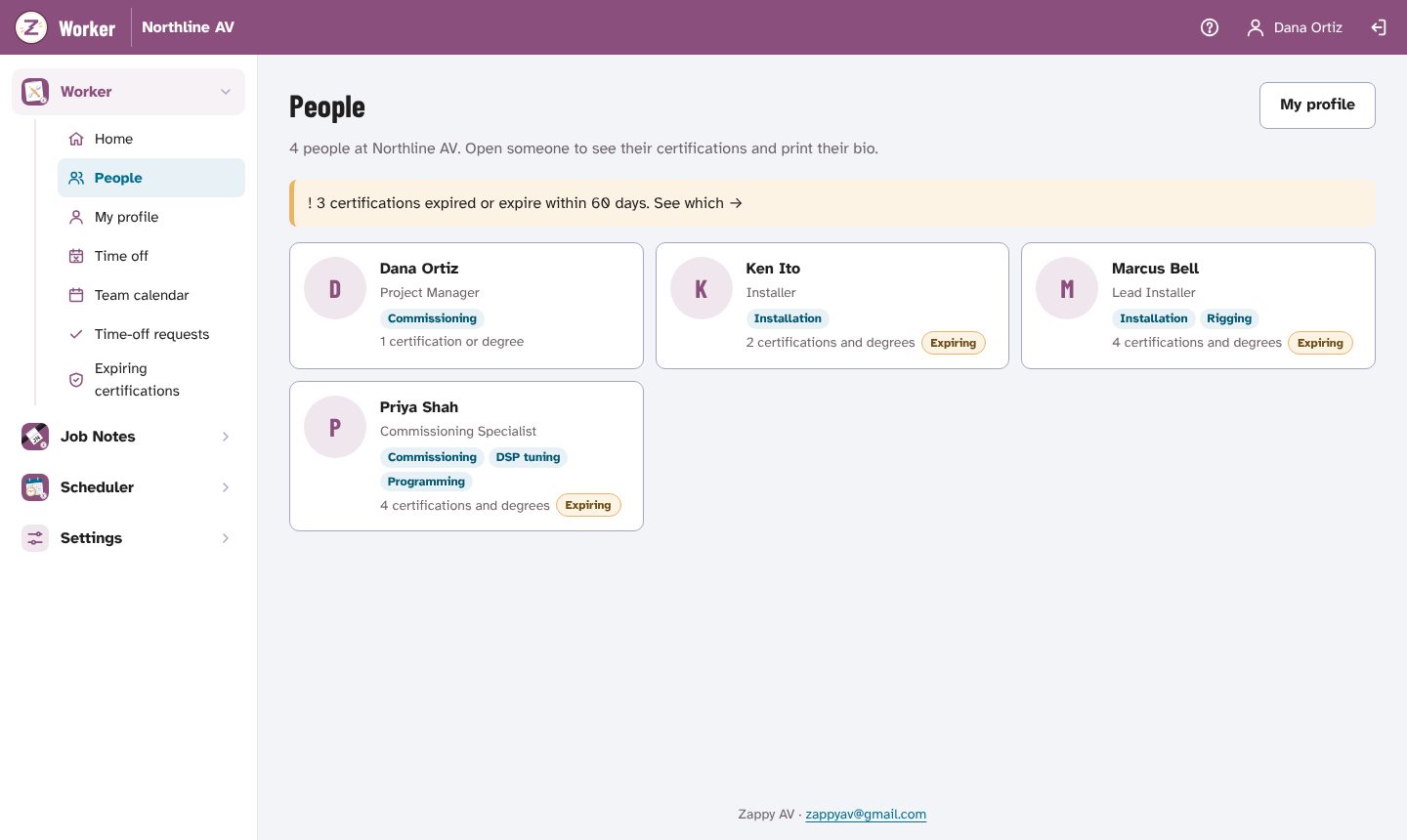
- One team calendar
- Everyone's hours, days off and extra days for two weeks at a time, so you can see who's around before you plan a job.
- Expiring certifications
- Everything expired or expiring in the next 60 days, with days left, on one page.
- Getting people in
- Invite by email, or hand a new tech a one-time password in person. They set their own at first sign-in.
- Permissions per admin
- Choose who manages the team, resets passwords, manages other admins, changes company settings and approves time off.
Work information only
- No payroll, Social Security numbers, bank details or medical information. Worker isn't an HR file.
- Certification photos and PDFs are kept in private storage, opened only from inside the app.
- The kind of time off and any note with it are seen only by the person and the admins who approve it.
- The service's admin console shows company names and counts, never your people's details.
Join the waitlist
Worker isn't open to new teams yet. Join the waitlist and we'll email you when there's room, starting with small AV teams: integrators, service companies, live-event crews and independent techs.
Your company already uses Zappy AV? Sign in; your org admin adds you there.
Opens an email to zappyav@gmail.com: tell us about your team.