Write it like a tech. Send it like a report.
Job Note Optimizer turns the shorthand AV techs type or dictate on site into your company's report format. It asks about anything unclear, then hands the office a PDF and a customer-ready email.
hung 6 pendants in community rm. mic 3 dead swapped w spare from truck. TP4 no hdmi - hdcp? need lbl rack 2 tmrw. used 2 cat6 jumpers
Work performed
- Hung six pendant speakers in the community room.
- Replaced ceiling mic 3 with a spare.
Issues found
- Mic 3 failed on test.
- No HDMI at touch panel 4, likely HDCP.
Materials used
- 2 × Cat6 patch cables
Follow-up
- Label rack 2 tomorrow.
Question for the tech Which source was connected when touch panel 4 had no HDMI?
How a note gets from the job site to the office
-
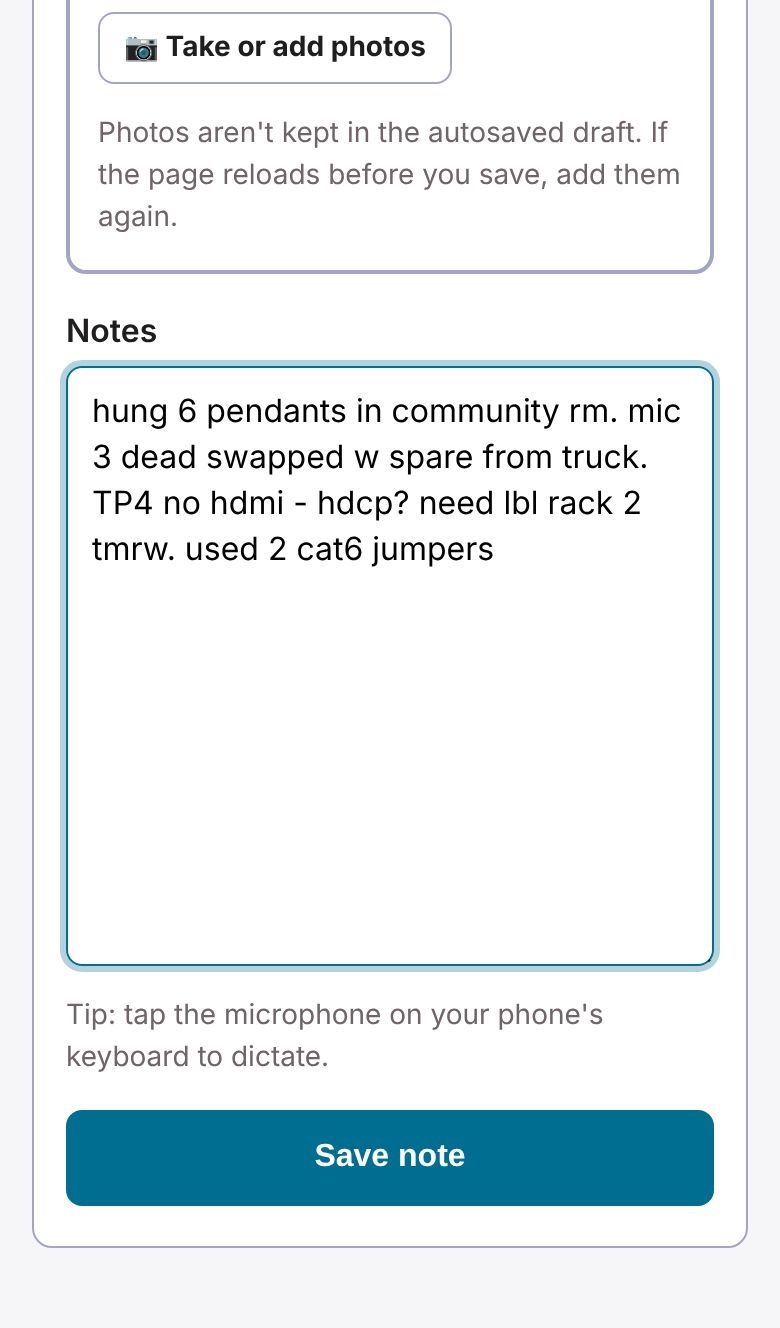
Write it on site
Type or dictate on your phone. Job number, start and end times, lunch, crew and photos go in the same form. The draft saves on the phone, so a dropped signal doesn't lose anything.
-
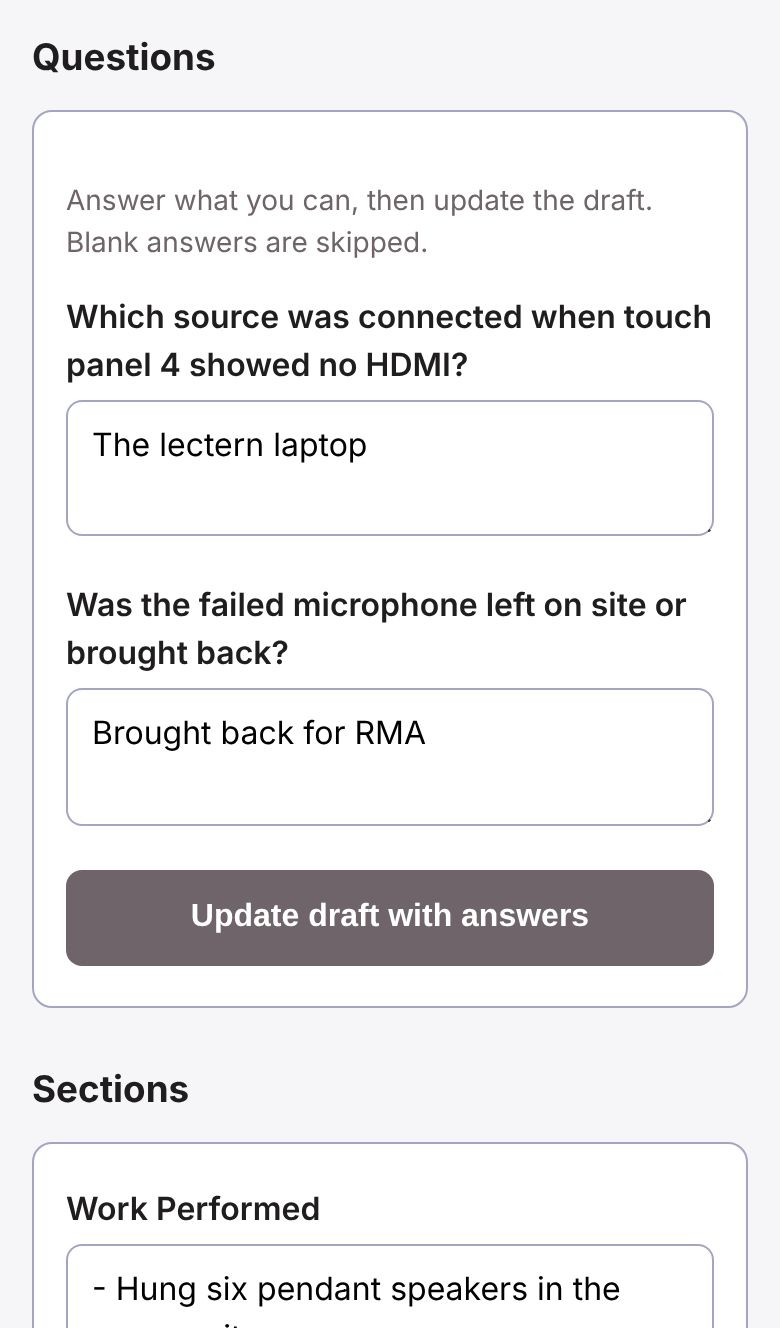
Answer what's unclear
The AI sorts your notes into your company's sections and asks a few questions where something's missing. Techs who are new to AV get more guiding, plain-language questions.
-
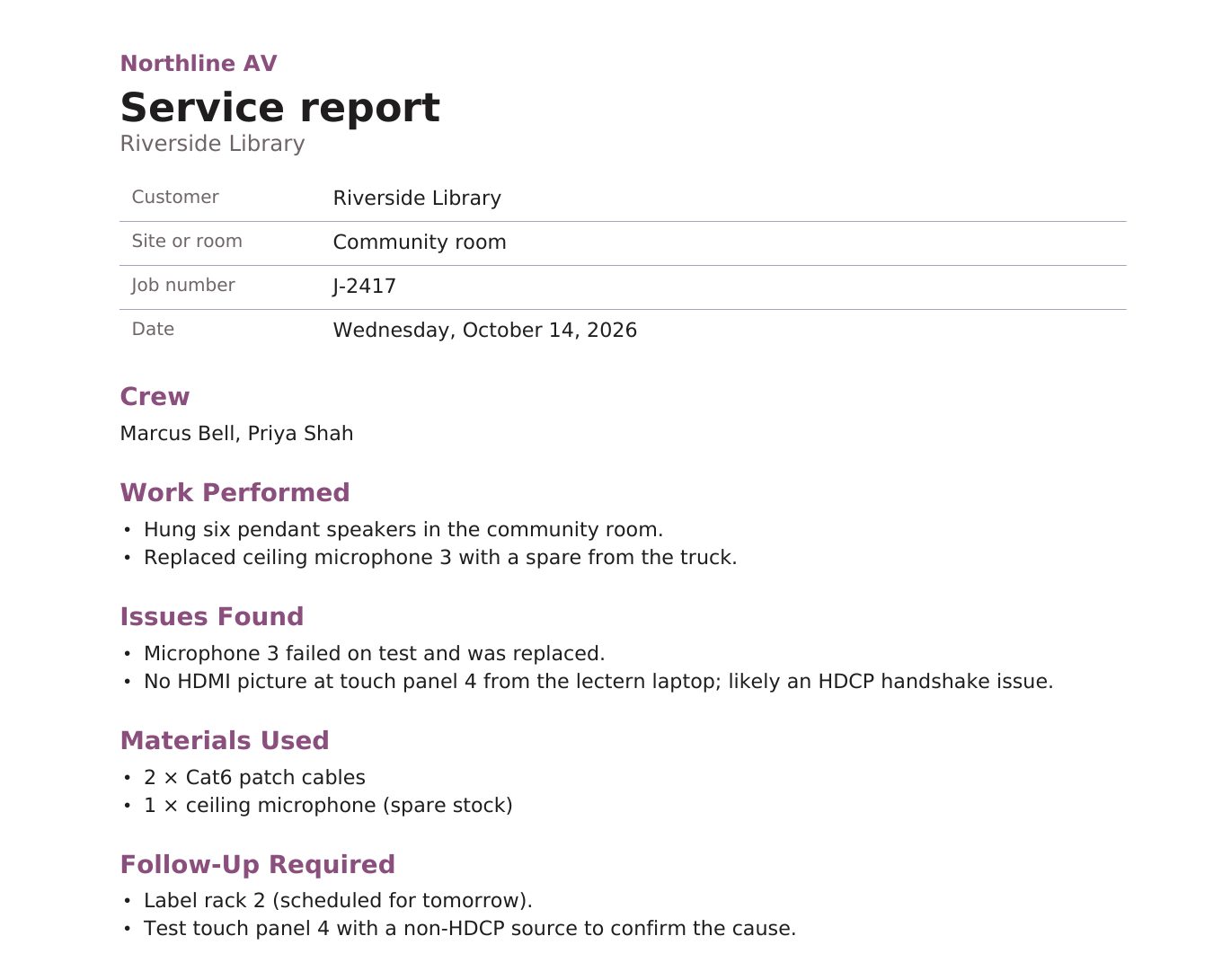
The office approves and sends it
An org admin reviews the note, then downloads a PDF or copies an email. The internal version has hours and the tech's original notes. The customer version leaves them out.
Made for how AV crews actually work
- Crews and hours
- The lead lists who was on site, each with their own start, end and lunch. Overnight shifts add up correctly.
- Job-day comparison
- Every note and everyone's hours on one job number for a day, with gaps over 15 minutes flagged.
- Temps and subcontractors
- Add them to a crew by name, or give them accounts limited to the jobs they're on.
- Report formats by role
- Installers, programmers and commissioning techs can each have their own sections.
- Job photos
- Shrunk on the phone, location data removed, and exported each week in a folder per job.
- Search
- Find any note by customer, job number, words in the report, or job date range.
Your notes stay yours
- Use your own AI account (OpenAI, Anthropic, Google Gemini or a compatible service), or no AI at all. Keys are stored encrypted and never shown again.
- Org admins choose which AI services their team may use.
- Photos have GPS and camera details removed before they're stored.
- The service's admin console shows accounts and counts, never your notes, photos or messages.
Request early access
Early access is open to AV integrators and independent techs. Tell us a little about your team and we'll reply by email with next steps.
Already have an invite code from your company? Join your team.